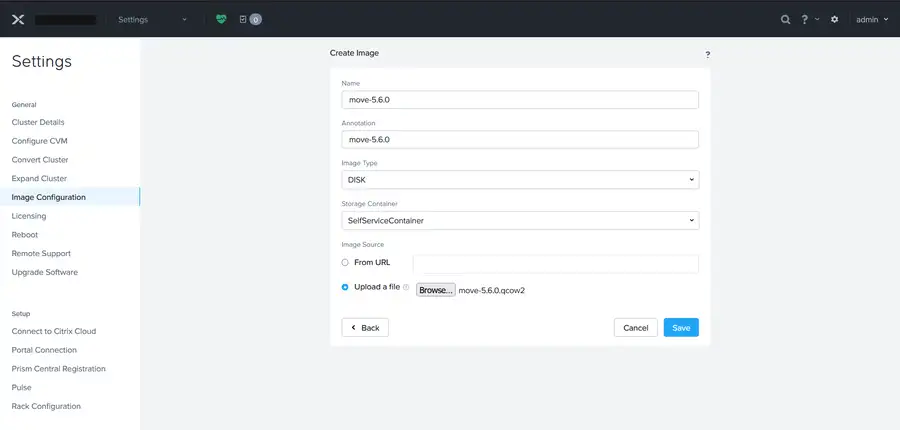
Nutanix Move appliance image upload in Prism Element

Migrating VMware VMs to Nutanix AHV with Nutanix Move

Nutanix Move is the free appliance Nutanix gives you for moving VMs onto AHV. It handles disk seeding, guest OS prep, and the final cutover in one workflow. You don’t have to export and import things by hand. I used Move to migrate a few VMs from VMware ESXi and vCenter to a Nutanix AOS cluster in my lab. This post covers how I deployed the appliance, how the migration plan comes together, and two real errors I hit. ...
6 min · 1257 words
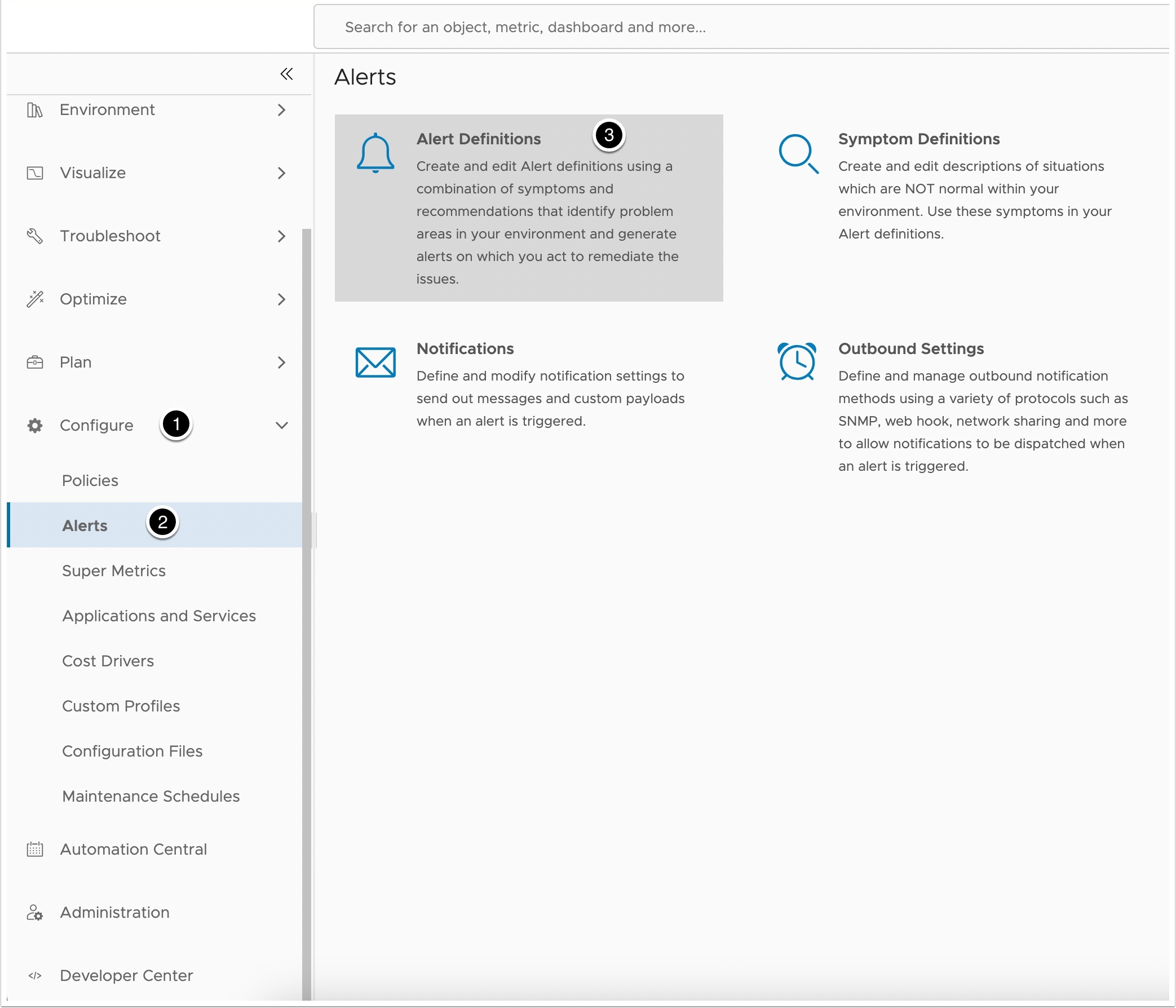
Alert definitions in Aria Operations

Monitoring High VM CPU with Aria Operations

My lab doesn’t have a lot of resources. A couple of test VMs hit high CPU once in a while and needed a reboot. They’re only test VMs but I still wanted to catch the spikes. I’d like to automate the reboot later. So I built an Aria Operations alert for high CPU. It works at the hypervisor level. That means no agent in the guest and no VMware Tools needed. ...

3 min · 470 words
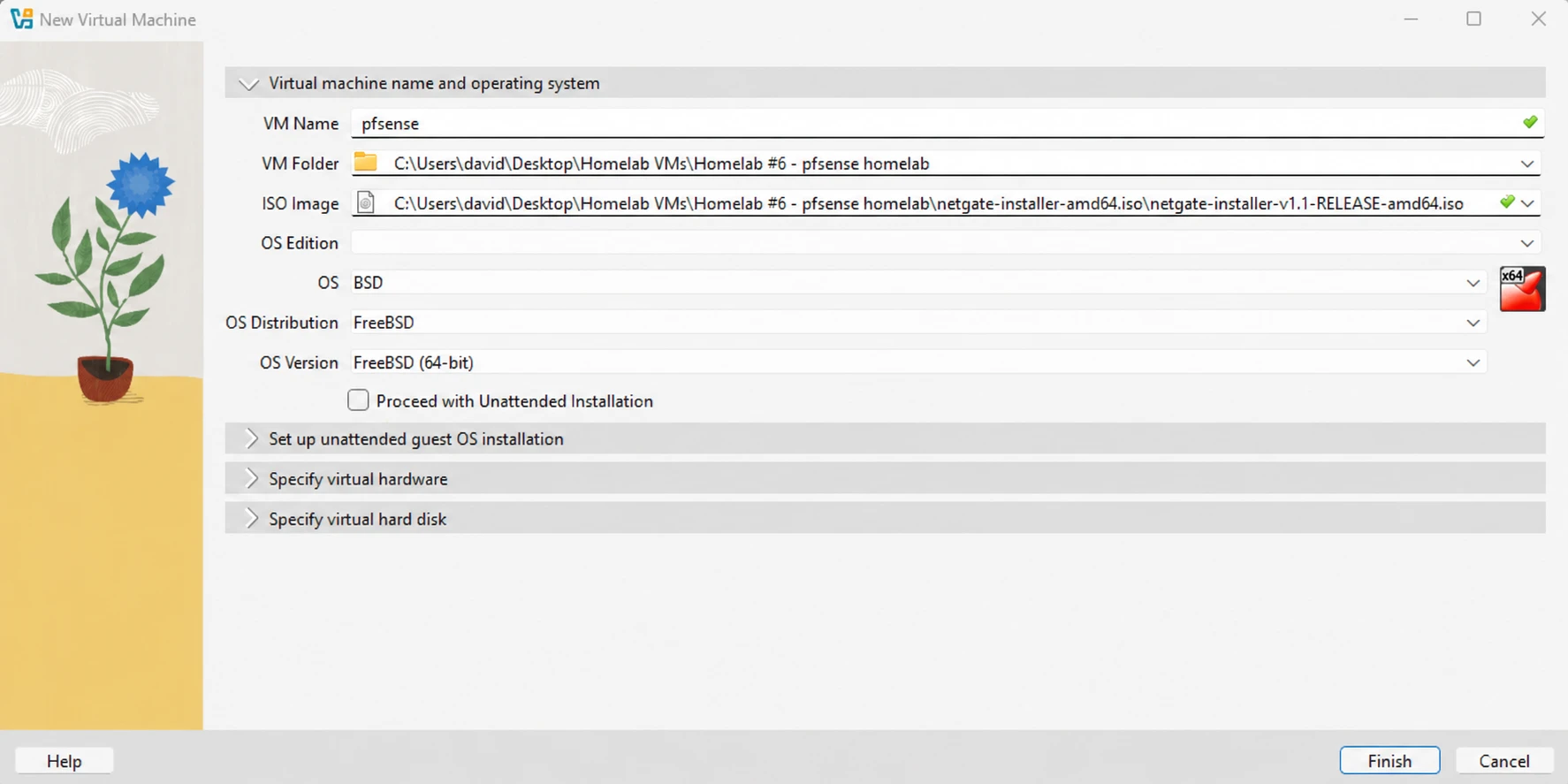
Creating the pfSense VM in VirtualBox

pfSense Firewall and Network Segmentation in VirtualBox

Real enterprise networks aren’t flat. They use segmentation, firewalls, and isolated zones to protect important systems and control traffic. For this lab I used pfSense as the router and firewall. I added three Ubuntu Server VMs to act like a multi-tier setup. It all runs in VirtualBox, so I don’t need any physical hardware. Here’s what I did: Installed pfSense in VirtualBox Set the LAN IP and ran the setup wizard Created five VLANs with DHCP Wrote firewall rules for the LAB and GUEST VLANs Built three Ubuntu Server VMs from one base image Installed a web, database, and app service on them Tested that the VMs can talk to each other The VLANs ended up not carrying the VM traffic. VirtualBox’s Host-Only adapter doesn’t handle VLAN tags the way a managed switch does. I explain what I did instead in section 7. ...

12 min · 2523 words
Confirming a restore point exists in Veeam Backup & Replication

Restoring a VM with Veeam Backup & Replication v12

I deleted a VM from my vSphere inventory on purpose, then restored it with Veeam Backup & Replication v12. This is how I did the restore job. This is my lab. Take the right steps and document everything before you try a restore on something that matters. What I needed A server or VM running Veeam Backup & Replication. The free Community Edition or the 30 day trial works A backup with at least one good restore point A place to restore from. Mine is a Synology NAS If the original VM is still running when you restore to the original location, Veeam powers it off. It only restores the disks that are in the backup. Any other disks stay as they are. ...

2 min · 378 words